Download your Disney PhotoPass photos
- 45-day window. Each photo expires 45 days after it was taken. Download everything before time runs out.
- Use the app or website. Download photos through the My Disney Experience app or the Walt Disney World Resort website.
- Check for missing photos. Ride photos and Magic Shots can take up to 48 hours to show up in your account.
- Share with your group. Everyone in your Friends & Family list can add photos to the same account using their MagicBand+ or ticket.
- Download All saves time. Use the Download All button on the Walt Disney World Resort website to grab every photo at once.
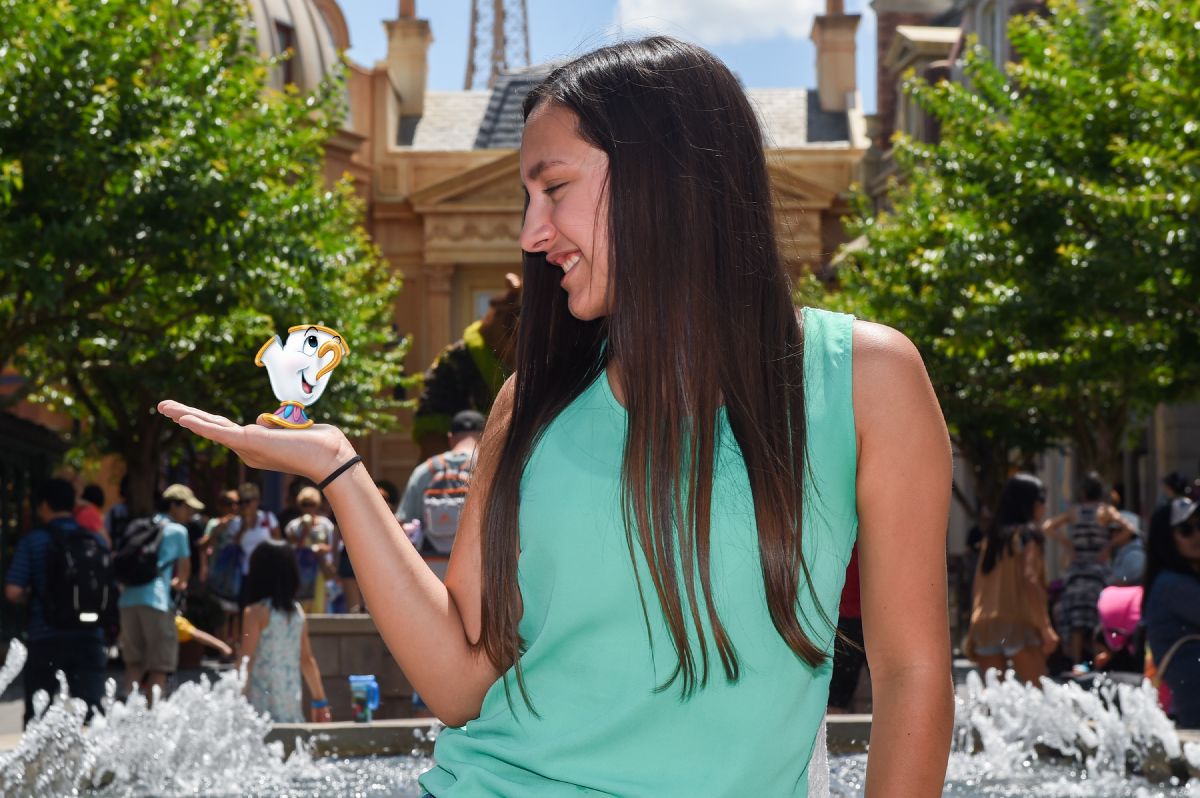
Your Walt Disney World® Resort vacation is over, but the memories don’t have to be. Every ride photo, character meet, and Magic Shot from your Disney vacation is in your My Disney Experience
account. That includes all Disney PhotoPass® Service captures too. You have 45 days from the date each photo was taken to download it, so the sooner you start, the better.
How to download your photos
Your Disney PhotoPass photos and videos are ready for download. You have two options: the My Disney Experience app or the Walt Disney World Resort website. Both work, but the website is better for downloading everything at once.
- Open the My Disney Experience app on your phone or tablet.
- Tap the menu and choose Photos.
- Browse your photos. Tap any photo to see it full-size.
- Tap Save to download it to your device.
- Repeat for each photo you want to keep.
The app works well for saving a few favorites. For large batches, the website is faster.
- Go to the Walt Disney World Resort website and sign in to My Disney Experience.
- Open the My Disney Experience menu and choose My Photos.
- Browse your photos or check Select All Visible Media to grab everything.
- Click Download All. The site packages your photos into one file, ready to save to your computer.
The Download All button is the fastest way to complete your Disney PhotoPass download. It bundles everything into one file so you don’t have to save each photo one at a time.
Know your deadlines
Two timelines matter when it comes to your photos:
- 45 days from the date taken. Each photo expires 45 days after the day you took it. A photo from the first day of your trip expires before one from the last day.
- 30 days from activation. If you bought Memory Maker, it stays active for 30 days from the date you first use it. During those 30 days, any Disney PhotoPass Service photo in your account counts.
The 45-day photo expiration is the hard deadline. After that, Disney removes the photo from your account for good. Disney does not restore expired photos.
For multigenerational groups

Don’t have Memory Maker yet?
You can still buy Memory Maker after your trip. As long as your photos haven’t expired, buying it removes the watermarks. It also unlocks your Disney Memory Maker download for every Disney PhotoPass Service photo in your account. The advance-buy discount won’t apply, but all your photos are still included.
A Good Story Vacations travel advisor can add Memory Maker to your vacation package before your trip. One less thing to think about.
Tips for getting every photo
- Check your account the day after your trip. Most theme park photos show up within a few hours, but some ride photos and Magic Shots take up to 48 hours. Log in the next day to make sure everything is there.
- Set a calendar reminder. Put one on your calendar for 30 days after your trip. That gives you a buffer before the 45-day deadline.
- Back up your photos. Once downloaded, move them to a cloud service or external drive. Downloaded photos are yours to keep forever, but only if you save them before they expire.
- Look for Magic Shots. These sometimes show up a day or two after your visit. Check back if you don’t see them right away.
- Book a Capture Your Moment session next time. A private 20-minute photo shoot with a Disney PhotoPass photographer is one of many enchanting extras you can add to your trip.